The Report Phishing add-in gives users a one-click button in Outlook to report suspicious mail to Check Point. Deploying it has two sides: enabling it in Check Point, and pushing the add-in to users through Microsoft 365.
Enable it in Check Point
In Check Point, configure the Outlook add-in and user-reported phishing settings. This controls what the button does, how reported mail is handled, and what users see when they report a message.
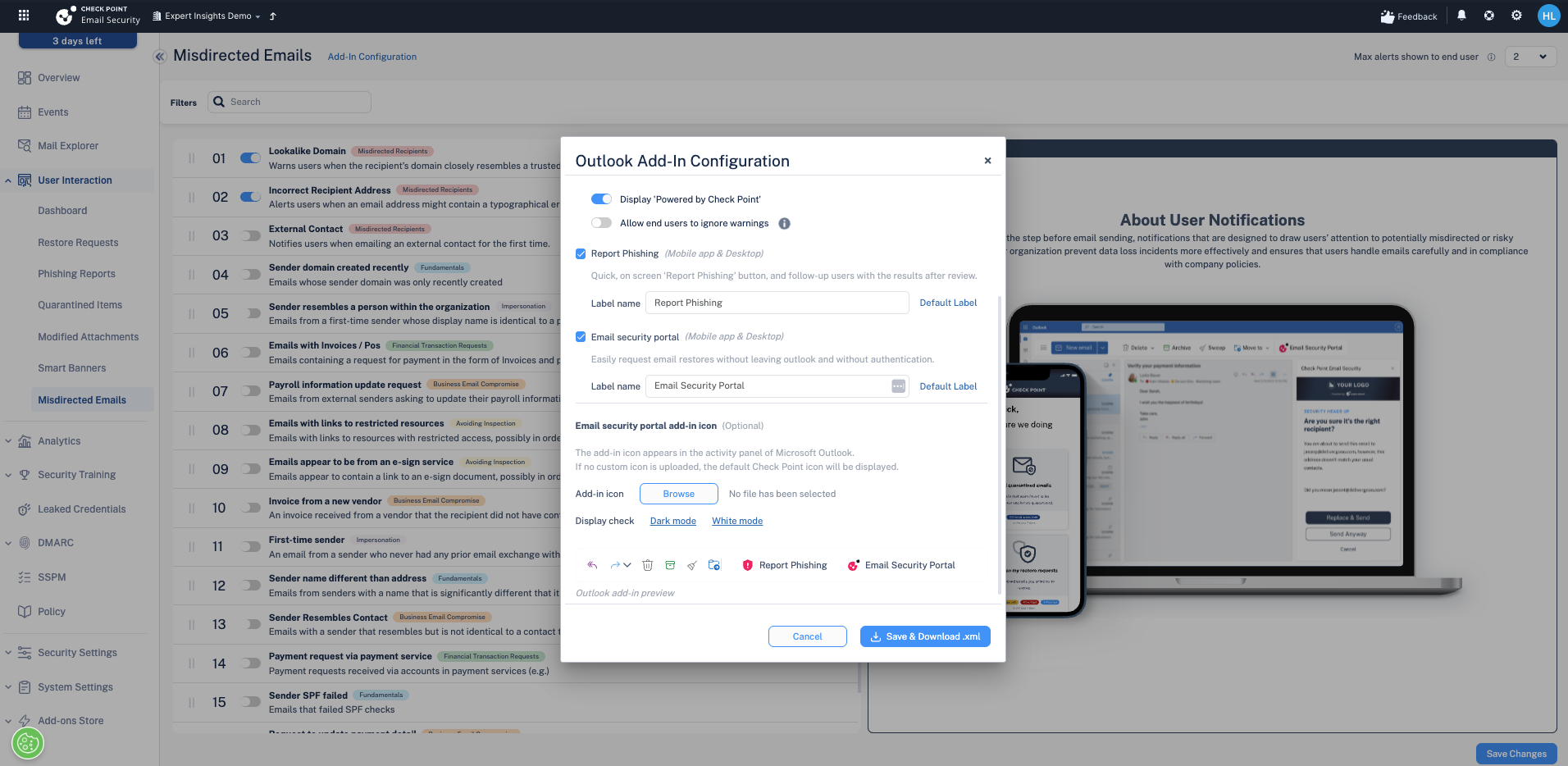
Deploy the add-in through Microsoft 365
The button itself is an Outlook add-in that you deploy from the Microsoft 365 admin centre (Settings → Integrated apps / Add-ins). Deploy it to the users or groups who should have the button. Once it propagates, users see a Report Phishing button in Outlook.
What happens when a user reports
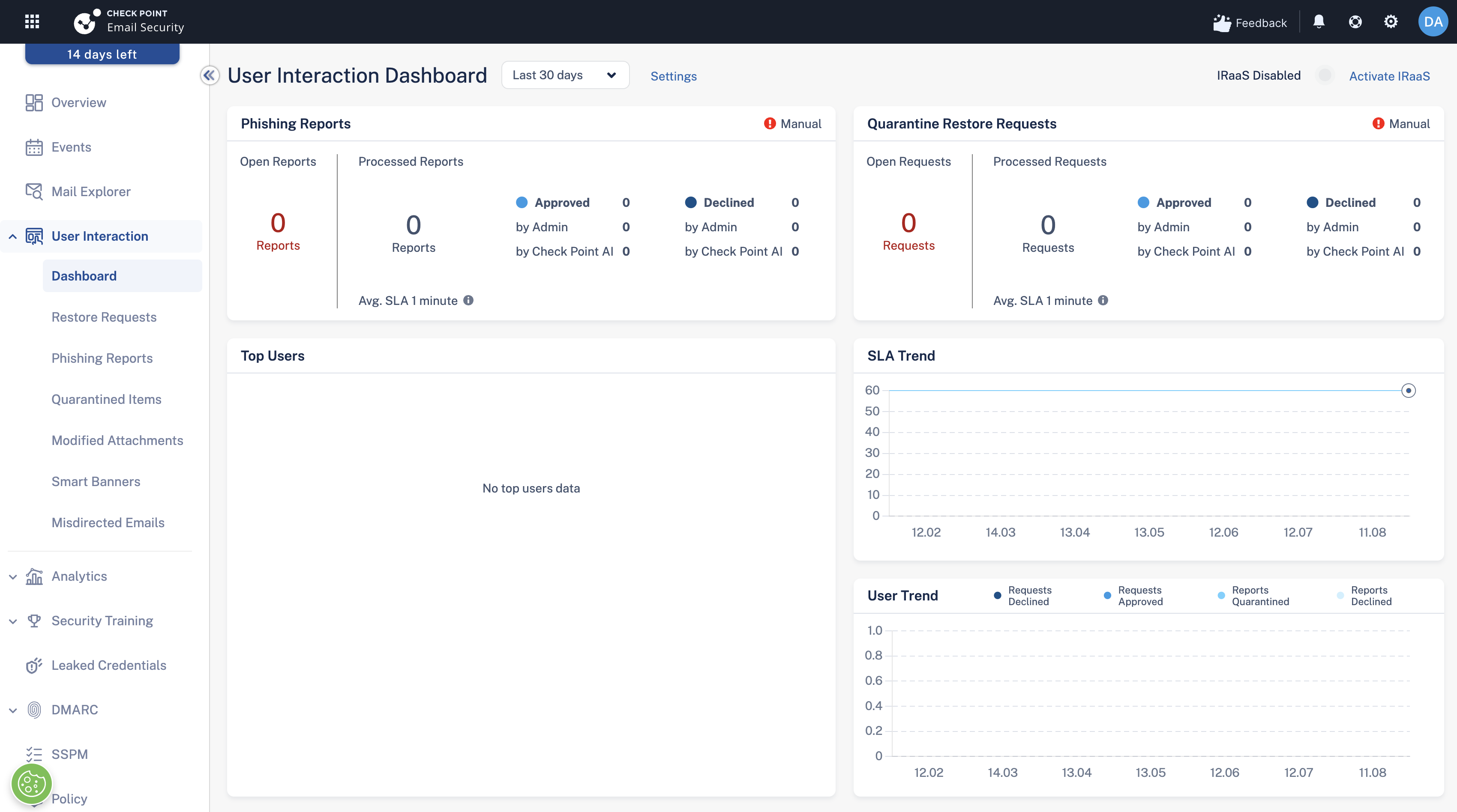
When a user clicks Report Phishing, Check Point re-scans the message and re-evaluates it. Reported items feed the User Interaction dashboard, where administrators can review them and decide what action to take.
Confirming a report can remove the email from every mailbox
If you open a reported email, confirm it as phishing, and choose an organisation-wide remediation, Check Point removes every matching copy from all protected mailboxes, including a legitimate email that has been marked wrongly.
Reported-email remediation uses the tenant-wide API, so unlike proactive scanning it is not limited by policy scope: it can act on any mailbox in the tenant. Confirm carefully. A mis-click on a safe email can clear it from everyone's inbox.
Next steps
Next: The End User Portal (Email Security Portal)
Previous: Notifications, alerts and reporting
Need Help with Check Point Harmony?
We deploy, configure, and manage Check Point Harmony Email & Collaboration for businesses, making sure your policies, engines, and protection modes are set up correctly so your organisation is fully covered.
Speak to an expertWas this article helpful?
That’s Great!
Thank you for your feedback
Sorry! We couldn't be helpful
Thank you for your feedback
Feedback sent
We appreciate your effort and will try to fix the article